Check your dates
Open the official booking site to review the current options for your journey and continue with up-to-date commercial information.

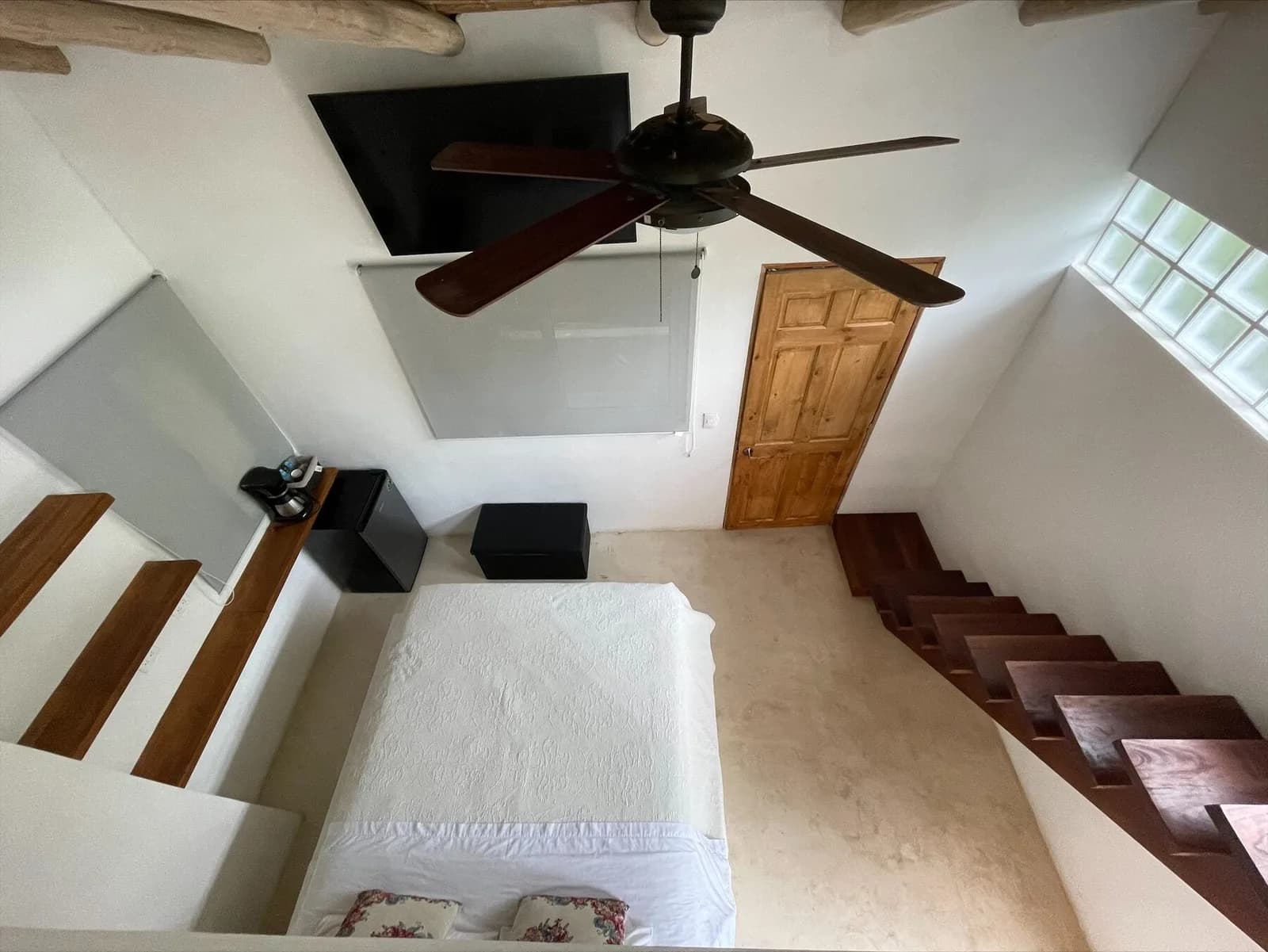
Direct booking
Availability and final booking are confirmed on Dreamcatcher's official booking site.
Open the official booking site to review the current options for your journey and continue with up-to-date commercial information.
The selection, applicable conditions and final confirmation are shown inside the official engine.
A sense of place
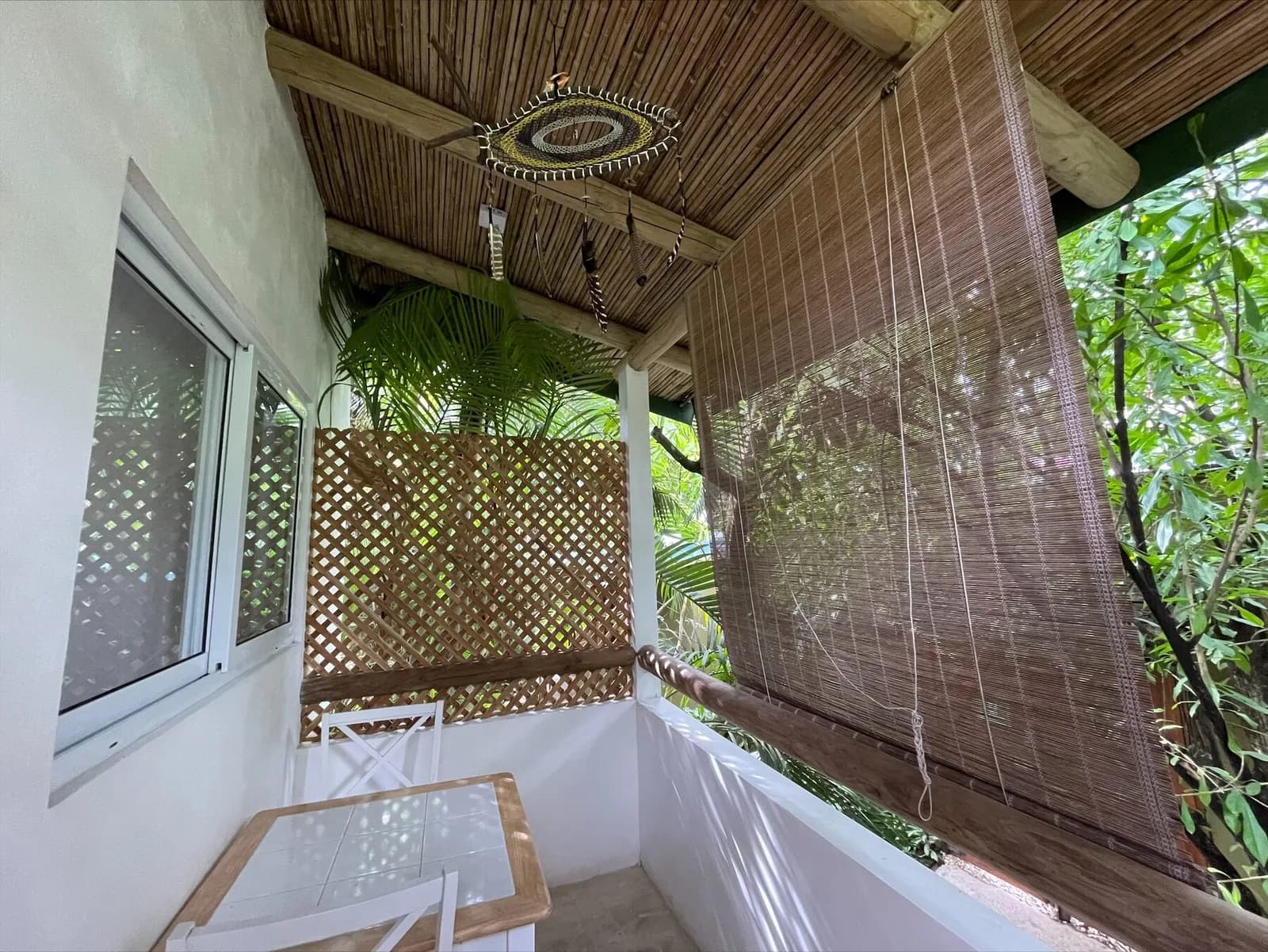
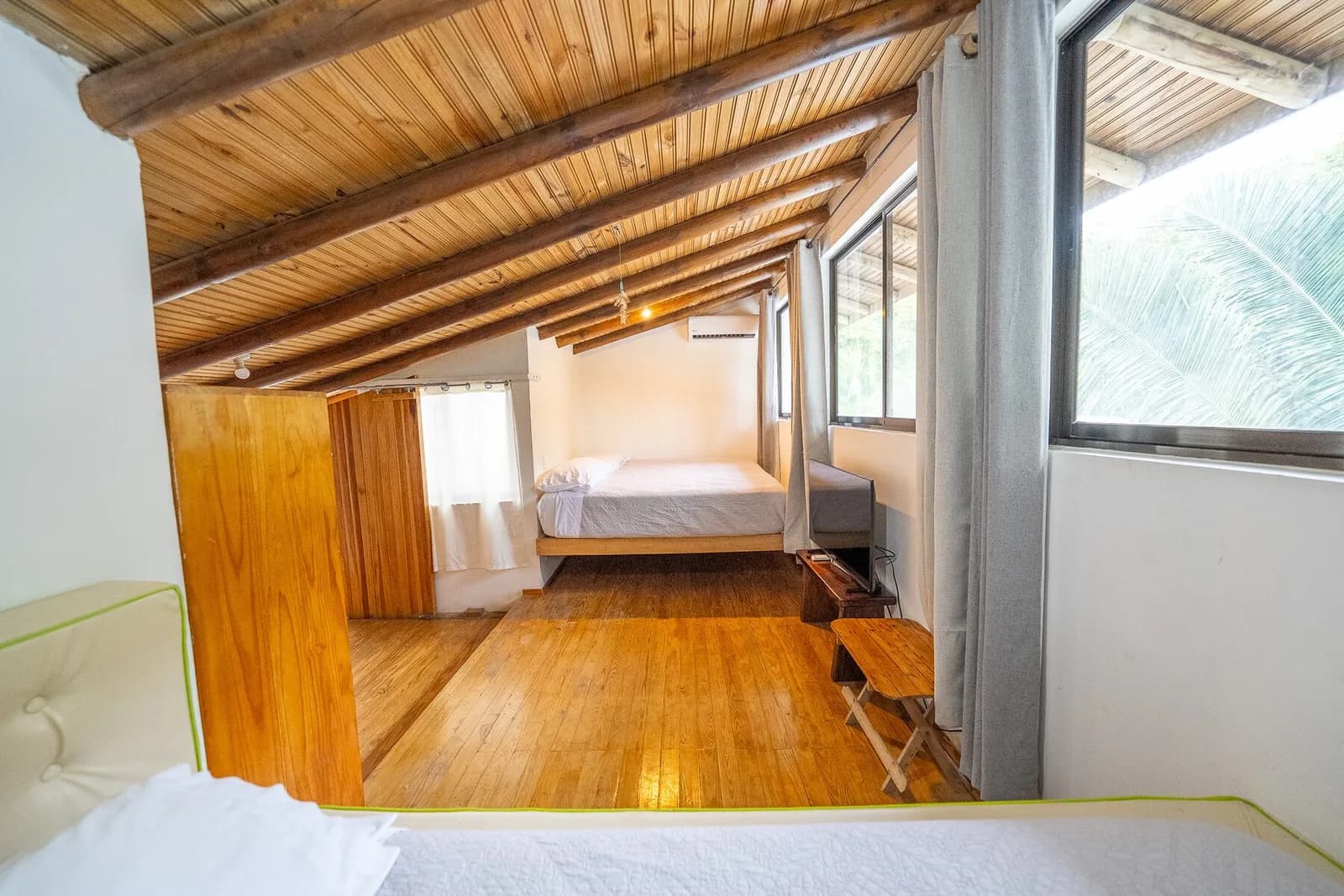
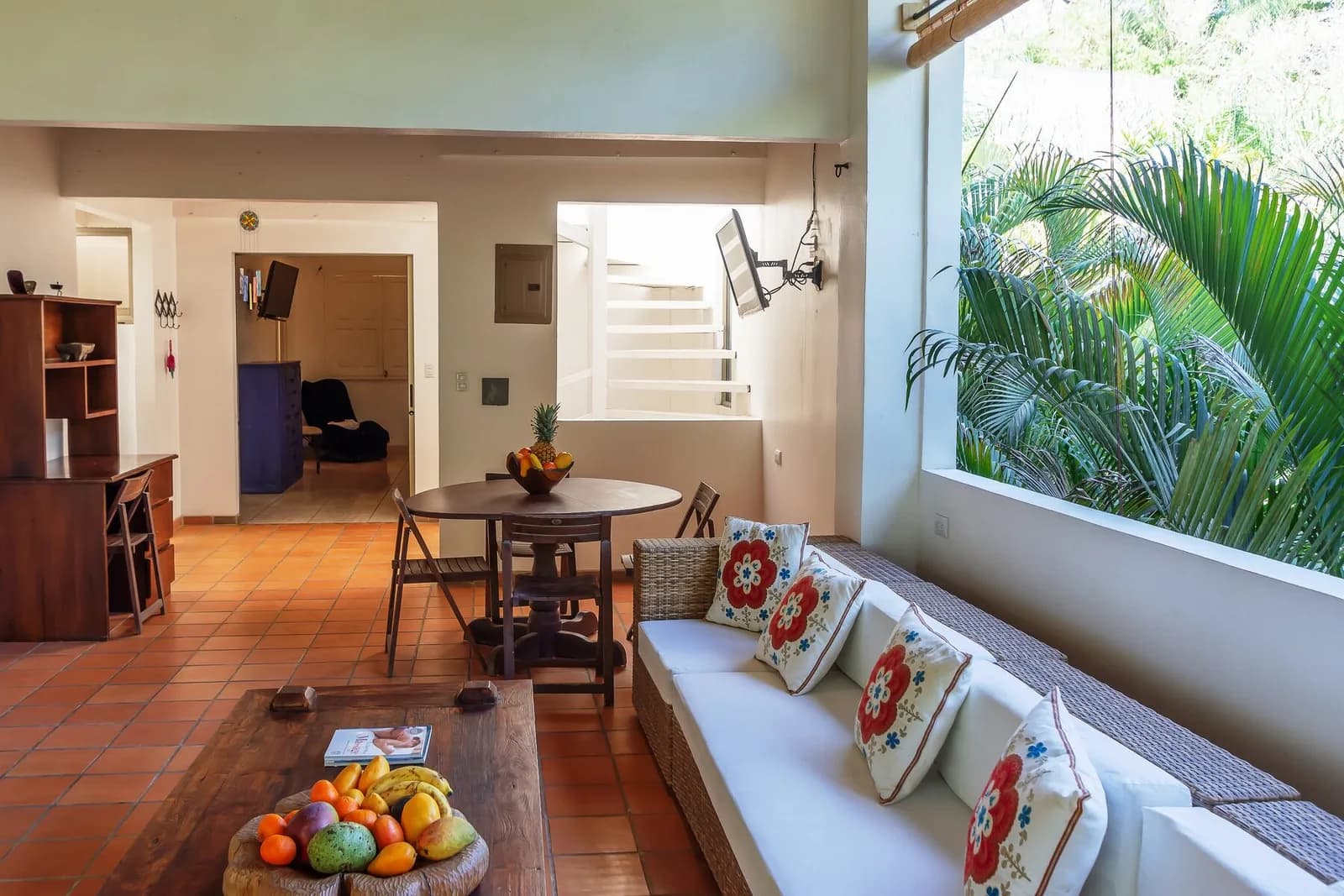
Booking with context
Explore stays and gather the context of everyone traveling before you continue.
Explore staysThe official engine brings together the search flow and commercial information for your inquiry.
Open official engineUse the management channel to review a reservation you have already made.
Manage reservationRequest trip orientation without completing a reservation on the website.
Request orientationThe current price is the one shown on the official booking site for the dates, guests and accommodation you select. That keeps the search aligned with the real context of your trip.
Stay configurations, dates, occupancy and length of visit affect what appears. The official booking site shows the current result for that specific search.
We can review whether there is a comparable direct option. Do not cancel an existing reservation until dates, total and applicable terms have been confirmed.
Choose dates, number of rooms, adults and children. The official engine shows options from the context you provide.